qrish

For events & conferences

One code. Before, during and after the event.

Print a single QR code on every poster, badge and ticket. Change what it opens as plans move, and add the date to phones in one tap.

Details change after the posters are printed

The venue moves, a speaker drops out, the start time slips. The posters are already up across town.

With qrish

Point a dynamic code at a Link-in-bio hub with the schedule, map and tickets. Edit the hub and every printed code is up to date.

People forget to turn up

Someone scans the poster, means to save the date, and never does.

With qrish

An Event code holds the title, time and place. Scanning it lets most phones add the event straight to their calendar.

The right link changes by the hour

Before doors open people want tickets. During the day they want the live schedule. One printed code can't do both.

With qrish

Time-of-day rules route the same code to different links by hour and weekday, in the event's time zone. When it's over, point it at the recordings or a feedback form.

How it works

Three steps, then it runs itself.

  1. Build your event hub

    Create a Link-in-bio page with tickets, schedule, venue map and Wi-Fi. Put a dynamic code in front of it.

  2. Print it everywhere

    Style the code to match your event, check it scans, and download SVG for posters and PNG for slides and social posts.

  3. Change it as the day goes

    Edit the hub, or add rules that switch the destination during session hours. Watch scans by day and device.

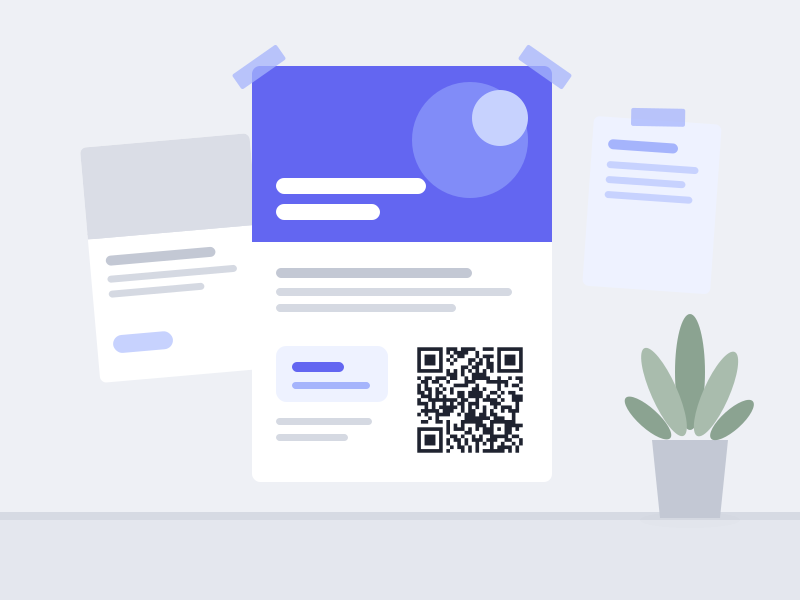
An event poster with a qrish QR code and a "Scan for tickets" caption
One code on every poster and badge. What it opens is up to you.

Recommended setup

What we'd set up for an event

A hub people can always find, a save-the-date that lands in calendars, and rules for the day itself.

Direct code

Event (calendar)

Encodes the title, start, end and location as a calendar entry. Best on save-the-date posters and tickets.

Landing page

Link-in-bio hub

One page of links: tickets, schedule, map, live stream. Edit it as often as you need.

Routing Pro

Time-of-day rules

Send scans to the live schedule during session hours and to the hub the rest of the time. Set the days, hours and time zone.

Landing page

Feedback

After the event, repoint the badge code at a short feedback page that links to your survey.
Items marked Pro are part of the Pro plan. Compare plans

Example use case

A weekend conference runs everything from one badge code

Think of a two-day community conference with a few hundred attendees and a schedule that's still moving the week before.

  • Every badge carries the same dynamic code, which opens a Link-in-bio hub with schedule, map and Wi-Fi.
  • On Saturday and Sunday, 9:00 to 18:00 local time, a rule sends scans to the live schedule instead.
  • Posters around town carry an Event code, so passers-by can save the date.
  • On Monday the organisers point the badge code at the talk recordings and a feedback page.
  • Scans by day show which days the badge code got the most use.

An illustrative scenario showing how the features fit together. Not a customer story.

FAQ

Questions, answered

What does an event QR code do?

It stores the event's name, time and location in calendar format. Most phone cameras offer to add it to the calendar when scanned. Behaviour varies by phone, so test it on the devices your audience uses.

Can I change the event details after printing?

Not on an Event code: the details live inside the code. For anything that might change, use a dynamic code that points at a page you can edit.

Can one code open different links at different times?

Yes, on Pro. Add rules by weekday and time window, with a time zone. Overnight windows such as 22:00 to 06:00 work too. Scans that match no rule go to the default destination.

Can I tell posters and badges apart in the stats?

Yes. Create one code per placement and compare their scans, or add UTM tags so the placement shows up in your web analytics.

Is it free?

Free covers a small event: unlimited static codes, 3 dynamic codes and a landing page. Routing rules, A/B tests and unlimited codes are part of Pro, which starts with a 14-day free trial.

Set up your event code in a few minutes.

Free plan, dynamic codes included. No credit card.